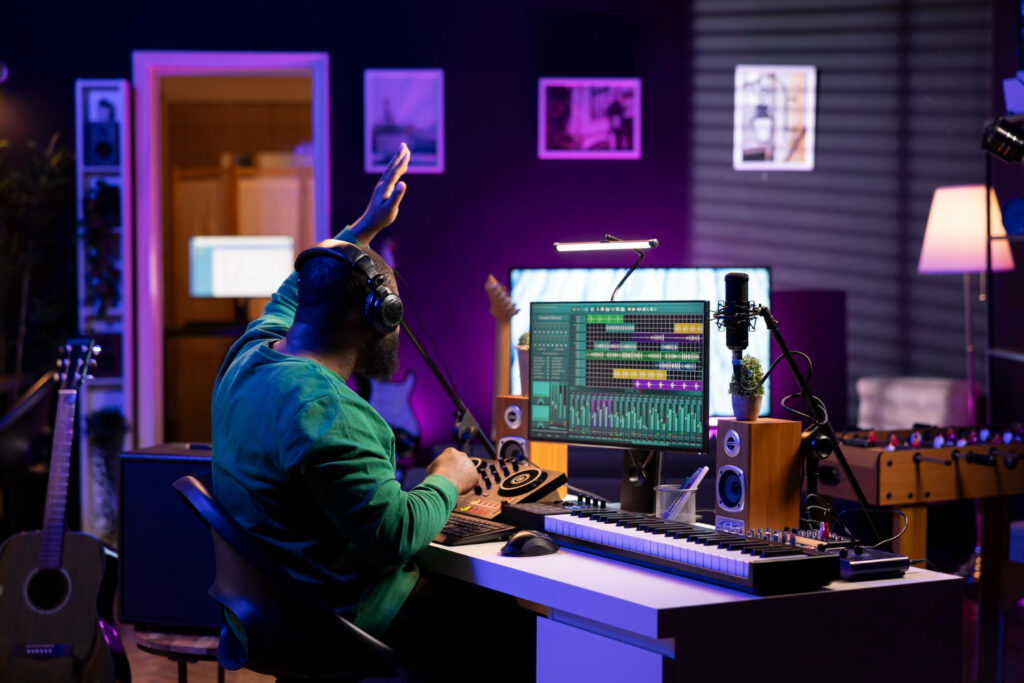
Automation has become one of the most helpful parts of music production. When it’s working right, it’s like having an extra set of hands riding faders, adjusting effects, and shaping each section of a song while we focus on playing or mixing. But when automation tools slow us down or confuse the process, creativity can hit a wall. The best music software doesn’t make us fight to keep control, it opens space for ideas to move more freely.
Smart automation systems don’t just add features for the sake of it. They help us save time during recording and mix stages, tighten up performance edits, and create dynamic movement in ways that can reshape a whole track. That’s why software design matters so much. It’s not just about which DAW has the most options, but how flexible and stable the tools are when pressure builds during bigger sessions.
How Automation Makes Music Production Feel Faster and Cleaner
We all hit points in a session where fiddling with settings takes longer than it should. Automation helps fix that by taking care of repeat moves without constant attention. For example:
- Automating fader levels lets us preserve an emotional vocal lift without drawing focus away from the rest of the mix
- Automating reverb or delay at specific moments can smooth transitions without relying on deep plugin changes
- Modulating filters over time adds texture that feels intentional and fluid
Even simple tweaks, like ducking an effect during a vocal line, or pulling back low-end mud before a drop, can add hours of saved labor once locked into a reliable automation lane. Edits that used to take dozens of manual passes can get knocked out quickly, letting us keep up momentum from rough demo to polished track.
Automation also reduces clutter. With the right settings dialed in and saved, sessions stay cleaner. That makes it easier to jump between writing, mixing, or playback modes without missing a beat. It’s a structure that gives more freedom, not less.
This added freedom can encourage more experimentation and creativity as the workflow becomes less burdened by repetitive tasks. It also makes collaborative projects run smoothly because changes remain consistent and easy to follow.
What Good Software Gets Right With Automation Tools
Not every DAW makes automation feel natural. When we’re moving fast between ideas, we need tools that react the way we expect. A good layout keeps things visible and clear. That often means:
- Dedicated automation lanes that don’t clutter up the main track view
- Breakpoint curves that are easy to grab and shift on the fly
- Labels and toggles that don’t hide when timeline zoom shifts around
What matters isn’t just having features, but letting them work without pushing the CPU too hard or freezing up during rewrites. Some of the best automation tools update in real time, so fader moves or knob turns during playback land exactly where we want, without lag or dropout.
Another key detail is how smooth transitions sound. Jumps between automation points should feel natural, not chunky. When changes glide along a curve instead of snapping sharply, the ear trusts the movement more.
These little behaviors might not stand out until a mix feels “off,” but once they’re running properly, it’s hard to go back. These details play a huge role in whether a DAW feels trustworthy under pressure, and that trust translates to more creative output.
Ease of editing automation is another sign of strong software. Being able to click, drag, and precisely nudge automation points without zooming in and out or wrestling with hidden menus is vital for fast-paced sessions.
Visual feedback, like highlighted lines or responsive waveforms, lets us check our work at a glance. These elements keep the focus on the sound rather than the screen. Users also benefit when DAWs let us copy, paste, or group automation curves across tracks. This is especially useful for creating similar transitions, such as repeated drops or chorus builds, making the session feel more controlled and intentional.
Creative Ways to Use Automation Beyond Basic Mixing
Mixing is just one part of why automation matters. Used actively, it helps shape the creative side too. Some of our favorite examples come from moments that would take too long, or be flat-out impossible, without it. Like:
- Automating filter sweeps to build tension during intros or breakdowns
- Using pitch automation to twist sound effects or transitional ear candy
- Linking macros to multiple settings for button-controlled motion throughout a song’s energy arc
These techniques are especially useful in sound design and electronic production, but they show up in all genres. Whatever the style, having flexible automation lets us create sounds that change over time instead of staying static.
Even third-party plugins run cleaner when software handles automation properly. If plugin values can be automated in sync with project tempo, we can treat each one like an instrument instead of just a slab of tone. That keeps creative space wide open without slowing down.
Automating wet/dry knobs or dry signal blends across different processors can also bring new life to more traditional tracks. For example, a subtle auto-tremolo during verses can transform a static keyboard track into something more organic and arresting. Even vocals benefit from changes such as gentle saturation increases on certain words. These are small details, but when automated, they can bring tremendous depth to a song.
Macro and group automation are critical for complex project needs. Imagine having a single knob ramp up reverb, widen stereo, and add delay feedback all at once for a dramatic bridge. Modern DAWs make this doable in real time, which isn’t just convenient but also inspires creative choices that would have felt risky or impractical before.
How to Tell if a DAW Has Reliable Long-Term Automation Support
Once a session starts to grow, it’s not just about what features a DAW has; it’s about how they hold up under load. One big thing we watch for is how well automation data writes and reads after closing and reopening a project. If things feel different on playback, something’s off.
We also pay attention to:
- Track freezing or flattening that doesn’t delete or corrupt automation
- Proper layering between clip-based automation and track-level moves
- Clear control over when automation is written, modified, or locked
A few DAWs have done this well, and we’ve worked with them enough to know where they shine. For example, Bitwig Studio offers user-friendly automation that blends with its modular routing approach. That makes it easy to tie movements together without making the layout too complex. Bitwig Studio holds up even when the session swells past a hundred tracks.
Another good option is FL Studio All Plugins Edition, which makes timeline-based automation smooth and editable without the guesswork. It’s solid for handling plugin parameters and has native tools that don’t overwhelm the screen.
Then there’s Waveform Pro, which has flexible automation across both clips and tracks and doesn’t choke under larger routing schemes. All of these examples show how stable design supports creativity when push comes to shove.
Session backup, undo levels, and version snapshotting also matter for long-term automation support. If a DAW keeps precise records of automation moves and makes it easy to jump back to earlier ideas, producers can work confidently with less anxiety about making mistakes that can’t be fixed.
Why Smart Automation Tools Define the Best Music Software
At some point in every project, we hit that moment where the details stack up. Automation, done right, keeps those stacks from crushing the process. The more we can rely on our software to mirror our creative choices, the more we stay in the zone without second-guessing technical work.
This is where the best music software sets itself apart. It’s not just about having knobs that move or curves that click into place. It’s about how those moves feel in real time, how quickly we can change them, and how safe they are inside bigger sessions. If our automation tools help us get the idea down fast and tweak it later without headaches, that’s time well spent. And in our line of work, saved time nearly always leads to better songs.
If we want our sessions to run smoothly and stay creative, using tools that support reliable automation makes a big difference. From clean visual layouts to smooth, real-time parameter changes, the right setup lets us work faster without second-guessing technical details. That’s why we keep a close eye on software that handles automation right from the beginning.
For a deeper look at tools connected to the best music software, we recommend checking out what Arturia offers through Audio Plugin Deals. Reach out to us if you’re looking for workflow-friendly options that keep the ideas moving.