
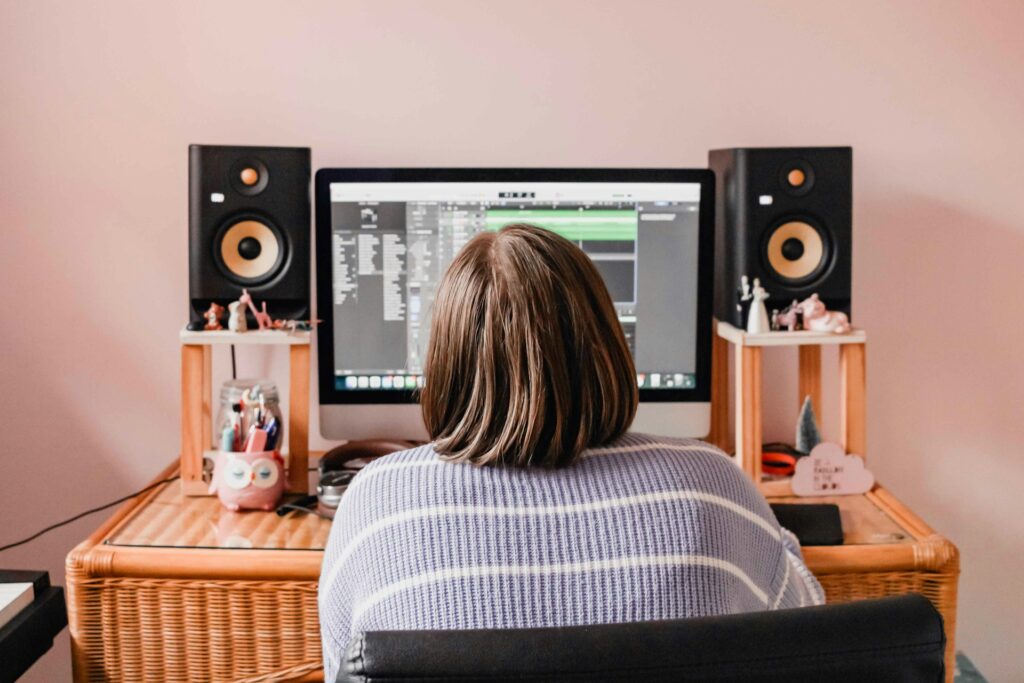
Most of us use music templates to save time through repeated tasks. When we build out full sessions loaded with routing setups, plugin chains, instrument groupings, and automation placeholders, we are freeing ourselves to focus more on creativity and less on setup work. But as those templates grow, not every DAW handles the pressure the same way.
A large project might carry dozens of tracks and effects, along with layered software instruments and sample libraries. If the digital audio workstation (DAW) struggles to keep up, that flow breaks down fast.
The best music producing software should support heavy projects from the ground up without slowdowns, lag, or crashes. That means stable performance, smart design, and room to grow into more complex sessions over time. Each DAW has its own strengths, but some are clearly built better for handling big templates.
Picking a DAW That Handles Bigger Projects Well
Reliable templates are critical for producers working across genres. Anyone arranging cinematic scores, complex EDM structures, or layered acoustic mixes knows how quickly the track count grows. Once we start adding in software synths, sampler instruments, and real-time automation, the system load expands fast.
To avoid bottlenecks, the DAW itself needs to support extra demands right from the start. Here is what we look for:
- Strong performance with high track counts, especially once processing-heavy plugins are stacked
- Flexible routing that does not become confusing or unstable at scale
- A session-saving structure that does not corrupt or lag under large file sizes
DAWs that pass this test usually offer project templates as a core workflow feature, not just an afterthought. They let us reuse drum bus setups, vocal chain stacks, and MIDI routing without rebuilding them every time.
An effective DAW for large projects should also let you customize templates easily. This means it should be simple to update routing for new hardware or plugins without causing issues throughout the whole session. The flexibility to adapt templates on the fly means producers can spend more time on music and less on troubleshooting. With these features in place, a DAW helps streamline everything from songwriting to the final mix.
Key Features That Help with Large Sessions
Certain features come in handy when managing massive sessions. A smart DAW knows how to step aside and let the CPU breathe. Here are a few key items that make project-heavy work feel smoother:
- Adjustable buffer sizes and multi-core support let the DAW use hardware efficiently when dealing with high channel counts
- Track freezing or flattening offloads busy tracks as audio while keeping the creative flow intact
- File management that handles autosaves, sample locations, and plugin data cleanly so projects stay lightweight over time
We have also found that DAWs offering native effects and instruments often reduce the number of external plugins we need. That helps keep template size under control and simplifies troubleshooting when large setups start dragging. Lightweight built-ins get the job done without maxing out the CPU.
Adding to this, quick access to mixer snapshots, channel grouping, or recallable automation lanes are small touches that become critical as templates expand. The ease of instantly saving a variant of a project or recalling a specific mix without manually reconstructing every route or setting cannot be overstated. That is why these features are so valuable for producers dealing with large sessions daily.
Products like Bitwig Studio, FL Studio, and Waveform Pro are regularly featured on Audio Plugin Deals, making it easier for producers to find deals that fit their studio setup.
Real-World Concerns That Affect Performance
It is not always the DAW alone that causes performance issues. Big templates run into trouble when system settings, audio gear, or storage options do not keep pace. These background causes can make even great software feel sluggish.
Here is where things go wrong most often:
- Audio interfaces not matched to the buffer settings, causing pops and lag
- Slow hard drives failing to pull up sample libraries fast enough, especially with orchestral material
- CPU overload from leaving too many live instrument tracks running at once
When working with layered templates, it helps to bounce instrument-heavy parts early or make use of stem tracks. Most DAWs let us set up templates that already include frozen versions of resource-hungry sounds. That gives flexibility during the writing stage while protecting system headroom later on.
Some producers make separate versions of the same template, one for writing and one for mixing. That is not something every DAW needs, but the ones that support session versions make that setup easier without the need to rebuild from scratch.
It is also worth checking system health before blaming the DAW for slowdowns. Ensuring you have enough RAM, maintaining your drives, and keeping your operating system clear of unnecessary background apps can help big sessions run smoothly. These steps might seem basic, but they make a real difference when you are pushing your setup.
Software Options That Handle Large Templates Better
Not all DAWs are built equal when it comes to large template support. From our hands-on experience, a few options stand out for their clean routing, stability, and plugin handling. Some of these are available through our Audio Plugin Deals store, and we see common themes in what they offer.
- Bitwig Studio offers modular routing and drag-and-drop swapping with good memory use, which is great for making dynamic templates
- FL Studio All Plugins Edition supports quick flattening, with strong native plugin options that keep things light
- Waveform Pro handles nested tracks and grouped devices cleanly, useful for those managing orchestral templates or routing-heavy workflows
These setups share one thing: they keep project load balanced across the system instead of letting one thing bottleneck performance. That is what we look for when comparing the best music producing software for larger setups.
There is always a balance between flexibility and power. Some producers would rather have everything available in one template and freeze later. Others want lighter templates that run smoothly through production. Either way, software that supports both styles without falling apart is a much better fit for growing producers.
Audio Plugin Deals often features time-limited offers on full DAW licenses and plugins, so you can build a scalable setup as your needs evolve.
Work Smarter with a DAW Built for the Long Haul
As templates grow, our DAW needs to match our workflow instead of fighting against it. That means more than just how many tracks it can handle on paper. We have learned to look for small things that add up, like quick routing software, load-speed efficiency, or smart caching. These are the features that keep sessions moving, not just surviving.
Some DAWs clearly meet those needs better than others. When project setups stretch and session size grows, starting with the right software can save time and frustration. Smooth handling, clean project builds, and stable performance all add up to plugins we can rely on through every phase of a song or score.
It is important to consider the long term when picking your main DAW. As your music grows in complexity, so will your demand for new software plugins and updated features. Having a DAW that continues to receive updates and community support makes managing larger templates easier as trends and technology change. Consider future-proofing your workflow by choosing software with a proven track record.
Scale up Your Workflow with the Right DAW
Building more ambitious sessions gets easier when you start with the right software. At Audio Plugin Deals, we focus on dependable performance, clean signal flow, and smoother studio days, especially when projects stretch your limits. Choosing the best music producing software allows your workflow to expand without added stress. We believe your setup should save you time and support your creative ideas, and we are here to help you find options like Bitwig Studio, FL Studio All Plugins Edition, and Waveform Pro that can grow with your sessions.