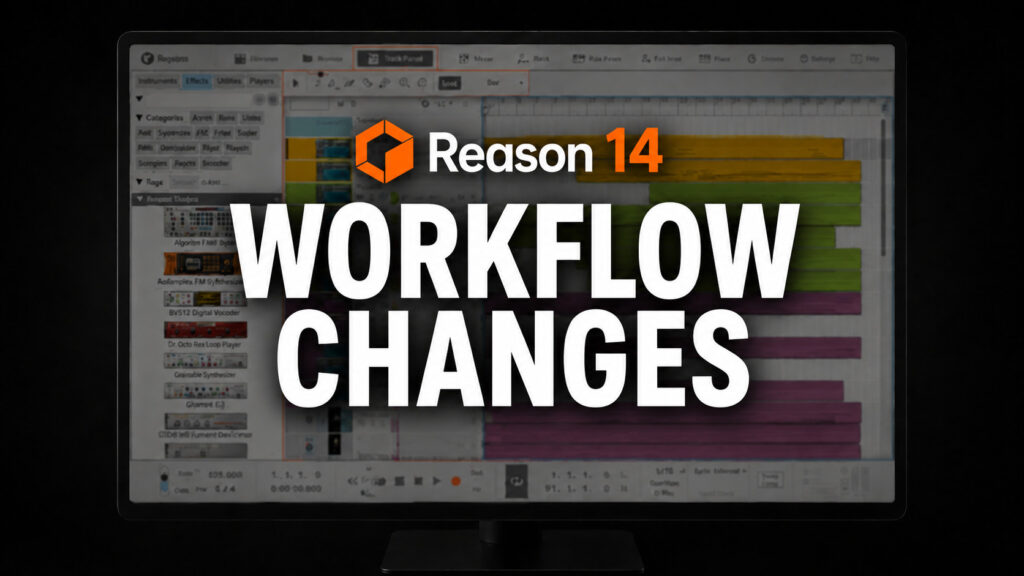
I spent a few weeks messing around with Reason 14, and once I got past the new layout, I started noticing how much faster a few of the workflow changes made things.
Not every change worked for me, though. A few tweaks and I was right back in business, replacing the features I didn’t like.
Here’s what’s working, though.

1. Folders Make Sessions Easier
Track Folders are one of my favorite Reason 14 additions. They help the session stay organized. Once a project includes layered drums, multiple synths, vocals, or several versions of the same instrument. Instead of scrolling through a long session, I can close a folder and focus on the tracks I am editing.
2. The New Navigation Options
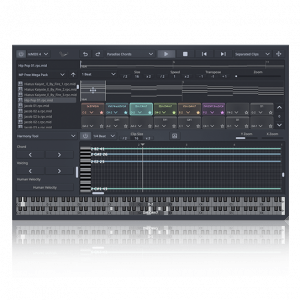
Reason 14 adds clickable navigation buttons at the top for quicker access to the Track Panel, Edit Area, and Groove Mixer.
It may sound small, but it reduces unnecessary mousing and scrolling. I spend less time hunting through the interface and more time working on the track.
The Track Panel is another useful addition. It lets you see an instrument and its connected effects beside the sequencer. When I select a track, I can reach the devices that matter without scrolling through a large rack.
3. Let’s talk about The New Floating Windows
My least favorite change (in the beginning) was the rack opening in a separate floating window by default. Some producers may like placing it on another monitor, but I prefer Reason’s traditional integrated layout.
To change this
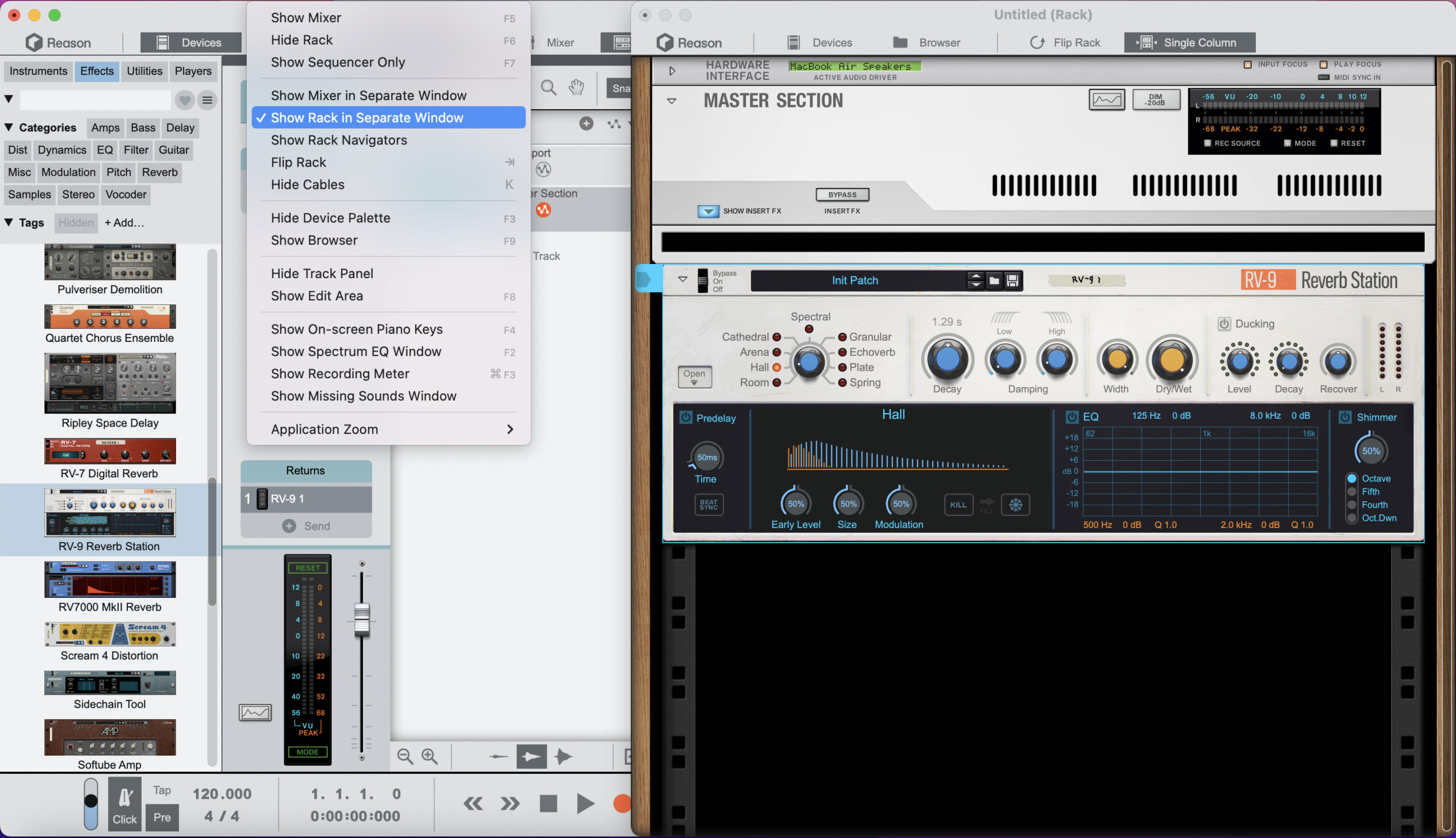
Open the View menu and turn off View Rack in Separate Window. The rack returns to the main Reason window and feels closer to earlier versions. That simple adjustment made Reason 14 feel familiar again.
Final Thoughts
Reason 14 is getting there. A few defaults may feel strange to longtime users, but they are not permanent.
Audio Plugin Deals works directly with developers to offer music software at deep discounts through limited time promotions.
Frequently Asked Questions
1. Is Reason 14 worth upgrading to?
Reason 14 is worth considering if you want a smoother workflow. Track Folders, faster navigation, and the Track Panel make sessions easier to manage. The upgrade focuses more on improving daily workflow than simply adding another collection of instruments.
2. Should Reason 13 users upgrade now?
If your biggest complaints involve organizing tracks, reaching effects, or moving around crowded sessions, Reason 14 addresses those problems. Producers mainly looking for new instruments may find the workflow changes useful, but less exciting than a feature packed device update.
3. Does Reason 14 feel completely different?
Not really. The rack, sequencer, mixer, routing, and device workflow still feel like Reason. Some default window behavior may initially seem unfamiliar, but you can adjust that. Once you adjust the separate rack setting and learn the new navigation controls, the update feels more like a much needed streamlined version of Reason.
4. Can Reason 14 Improve Productivity?
Yes, folders reduce visual clutter, navigation buttons shorten trips around the interface, and the Track Panel keeps important devices close to the selected track. These features will not write music for you, but they remove small interruptions and keep you focused on creating.