These days, starting music is easier than finishing it. With so many plugins, presets, and sample libraries available to use these days, coming up with musical ideas isn’t usually the problem. It’s figuring out what to do with those ideas once you’ve got them. That’s where a lot of music creators get stuck.
MIDI generator plugins can help with the creation of melodies, chord progressions, basslines, and rhythmic patterns you can build on without the need to start from scratch.
I’m not advocating for replacing creativity or you skill, but more so kickstarting ideas when you have a dry spell.
Here are 6 great MIDI generator plugins worth checking out and how they can help you finish more music.
6 MIDI Generator Plugins Worth Checking Out
Use one these generators for melodies, leads or basslines, etc. All are good, some people really gravitate to the AudioModern Plugins, but again, all get the job done well.
1. Looma: Create Melodies Without Starting Over
Sometimes have chords and drums figured out, but the melody doesn’t come together.
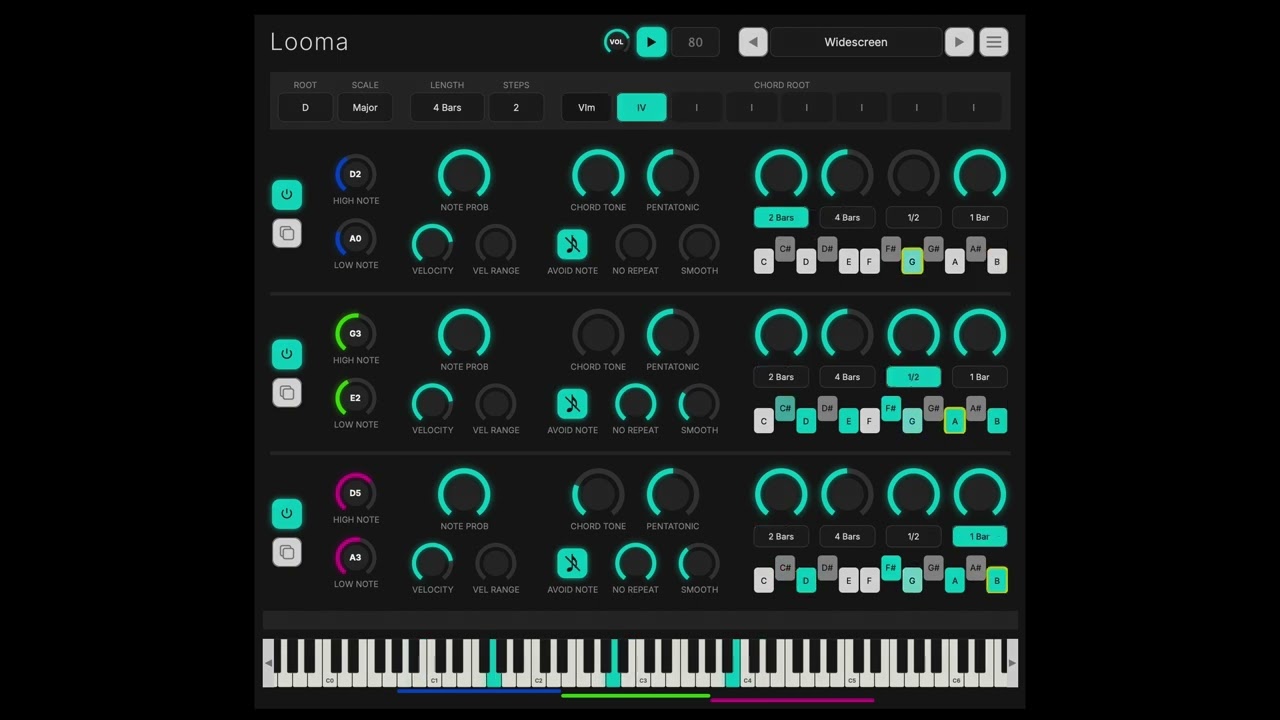
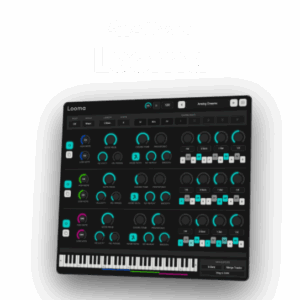
Looma is a MIDI generator with 5 music theory filters that keep generated notes sounding musical.
You can create an 8 step chord progression, generate up to 3 independent voices, and adjust note length, pitch range, and probability.
2. Loop Engine 3: Build Better Musical Arrangements
A good chord progression can carry a track, but playing the same pattern for 3 minutes gets boring.

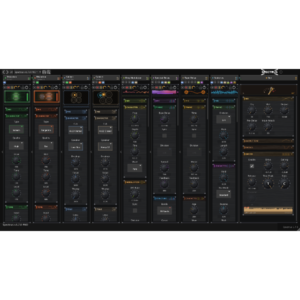
Loop Engine 3 helps you create chord progressions, melodies, arpeggios, and rhythmic variations using 8 independent MIDI voices.
Its polyrhythmic engine lets different patterns play against each other, while micro-timing controls help give your sequences a more natural feel.
Imagine using a simple chord progression for your verse, then adding a moving arpeggio and a few passing notes for the chorus.
You can drag the generated MIDI into your DAW, edit individual notes, and decide which parts fit your arrangement.
That’s useful when your track needs more movement without adding another instrument.
3. MidiPhrase: Give Old MIDI Ideas New Life
Got a folder full of MIDI melodies you haven’t used? MidiPhrase could be the perfect solution. It includes over 1,000 MIDI phrases and patterns, as well as features for editing existing MIDI sequences.

For example, you could load a simple melody, change its rhythm, and create a completely different feel without changing the original notes.
You can also extract rhythmic information from MIDI phrases and apply it to others.
4. MIDI Vault: Organize and Find Musical Ideas
MIDI Vault combines MIDI generation with a library for organizing musical ideas.

You can save MIDI and audio files as searchable cards, tag them by BPM, key, mood, and genre.
One interesting feature is its text to MIDI generator, which turns words into melodies and chord progressions.
You can also drag MIDI directly into your DAW and continue working.
5. Riffer 3.0: Generate Riffs and Melodic Patterns
Sometimes all your track needs is a catchy riff to bring everything together.
Riffer 3.0 is a MIDI sequencer that generates riffs, melodies, and musical patterns using controlled randomization.
It includes 53 musical scales, polyphonic sequencing, and controls for note density, pitch, duration, and velocity.
You can adjust how complicated a pattern becomes or use Infinity Mode to keep generating new variations.
Once you’ve got a pattern you like, drag the MIDI into your DAW and make it your own.
6. Chordjam: Create Fresh Chord Progressions
How many times have you started a track using the same 4 chords? Does it get a little boring?

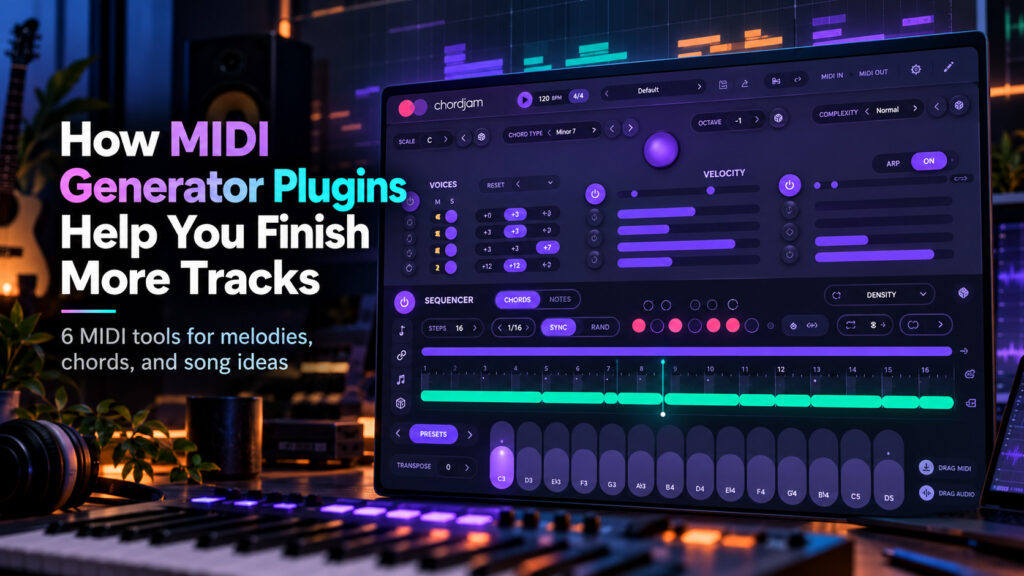
Chordjam helps you experiment with different chord progressions, voicings, and rhythmic patterns.
There’s also a built in sequencer, arpeggiator, chord progression presets, and controls for velocity and timing.
Let’s say you’ve got a piano progression that sounds a little plain. You could use Chordjam to experiment with different chord voicings or generate a new rhythmic pattern to keep things interesting.
Once you find something you like, drag the MIDI into your DAW and keep moving the track forward.
Make More Music With Less Guesswork
We’re all busy and MIDI generator plugins can help you come up with some great ideas, as well as get more mileage out of the time you have to create. They’re especially useful when you’ve got a good loop or section of the song going, but need a little inspiration to finish the track.
They’re also great to help kickstart ideas and sometimes, it’s just fun to sit down and experiment. Get the brain going a little.
New to Audio Plugin Deals?
We offer discounts on virtual instruments, effects, and music production software to help you get more for your money. Check out how Audio Plugin Deals works and see how you can start saving on your next plugin purchase.
Frequently Asked Questions About MIDI Generator Plugins
1. What Is a MIDI Generator Plugin?
A MIDI generator plugin creates note patterns that can control virtual instruments in your DAW. Depending on the plugin, it can generate melodies, chord progressions, basslines, or rhythmic sequences. Since MIDI contains note information instead of recorded audio, you can change the notes, timing, and instruments without rebuilding the entire musical idea from scratch.
2. Can MIDI Generator Plugins Help Beginners Make Music?
Yes, MIDI generators can help beginners experiment with chord progressions and melodies. They can also help beginners learn music theory and improve writing skills.
3. Do MIDI Generator Plugins Work With Any DAW?
Many MIDI generator plugins support popular DAWs like Ableton Live, FL Studio, Logic Pro, Cubase, and Reaper. If the DAW handles common plugin formats, you’re in good hands.
4. Can You Edit MIDI Generated By These Plugins?
Yes, and that’s one of their biggest advantages. Once you’ve exported the MIDI into your DAW, you can move notes, change their length, adjust velocity, and experiment with different rhythms.
5. Are MIDI Generator Plugins Considered AI?
Not necessarily. Many MIDI generators use music theory rules, probability settings, or programmed patterns rather than artificial intelligence. Some may use AI models, but it depends on the developer and should be explained in the features section.
6. Can You Release Music Made With MIDI Generators?
In many cases, yes. Music created with MIDI generator plugins can be released commercially, but you should check the product’s license agreement first.